Polar H10 Strap & Battery Replacement: The $13 Fix That Saves a $105 Monitor
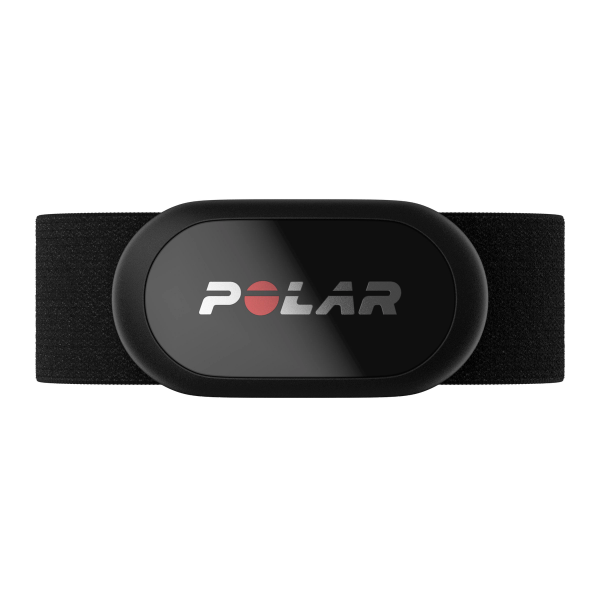
Quick answer: The Polar H10 has exactly two wear items, and both are cheap. The strap is a standard two-snap design, so Polar's official Pro Strap or any ~$13 snap-style replacement fits. The battery is a CR2025 coin cell — not the CR2032 half the internet tells you to buy; Polar says outright that a CR2032 can damage the sensor. The battery lasts about 400 hours of training, the cover pries open with the clip on your strap (no tools), and the only thing you can genuinely get wrong is mangling the red sealing ring that keeps the sensor waterproof to 30 m. If your H10 has started reading erratic, it's almost certainly the strap or the battery — not the $105 sensor.
The H10 has a reputation as the reference chest strap — it's the accuracy benchmark in our gym heart rate monitor rankings, and it's the sensor labs strap people to when they're validating everything else. So when yours starts spiking to 190 during a warm-up jog, the instinct is that the famous sensor finally died. It almost never did. The electronics puck has no moving parts and routinely outlives several straps. What died is a piece of conductive fabric that costs thirteen dollars, or a coin cell that costs two.
Here's how to tell which one, and how to fix it.
Is Your H10 Actually Broken — or Is It Just the Strap?
Quick triage before you spend anything:
- Erratic spikes, flatlines mid-workout, or a reading that lags way behind effort → strap. The electrode fabric — the two slightly rubbery strips that sit against your skin — degrades from sweat salt and body oils. Polar's own care page says the textile strap "wears out over time like regular clothing," and that the electrodes can be worn out even when the strap looks fine. Eight to eighteen months of regular use is a normal strap lifespan.
- Sensor won't connect at all, or drops the connection entirely → battery. At ~400 hours, an H10 bought a couple of years ago that's trained four times a week is due. A dying cell shows up as failed connections and random disconnects before it goes fully dark.
- Reads fine for 10 minutes, then goes weird once you're sweating and moving → usually a stretched strap sliding down your torso. Elastic gives out before electrodes do. Tighten it; if it's already at the tightest comfortable setting and still slides, the elastic is done.
The repair bill for the worst case — new strap and new battery — is about $15. A new H10 runs around $105 (October 2026). Work through the cheap parts first.
Which Replacement Straps Fit the Polar H10?
The H10 module attaches with two metal snaps at a standard spacing, which means you're not locked into Polar for the fabric part. Three routes:
| Option | Rough price* | What you get | What you give up |
|---|---|---|---|
| Polar Pro Strap (official) | ~$25 at polar.com | Polar's own interference-fighting electrodes, silicone grip dots, the buckle your H10 shipped with | Costs roughly double; the Amazon listings for it come and go |
| Third-party snap strap | ~$13 | Same two-snap fit, adjustable length, fixes dropouts from a worn strap | Electrode fabric quality varies more between batches; grip dots often skipped |
| Keep limping on the old strap | $0 | Nothing | Your training data, slowly |
*Reference prices at the time of writing (August 2026); check the live listings.
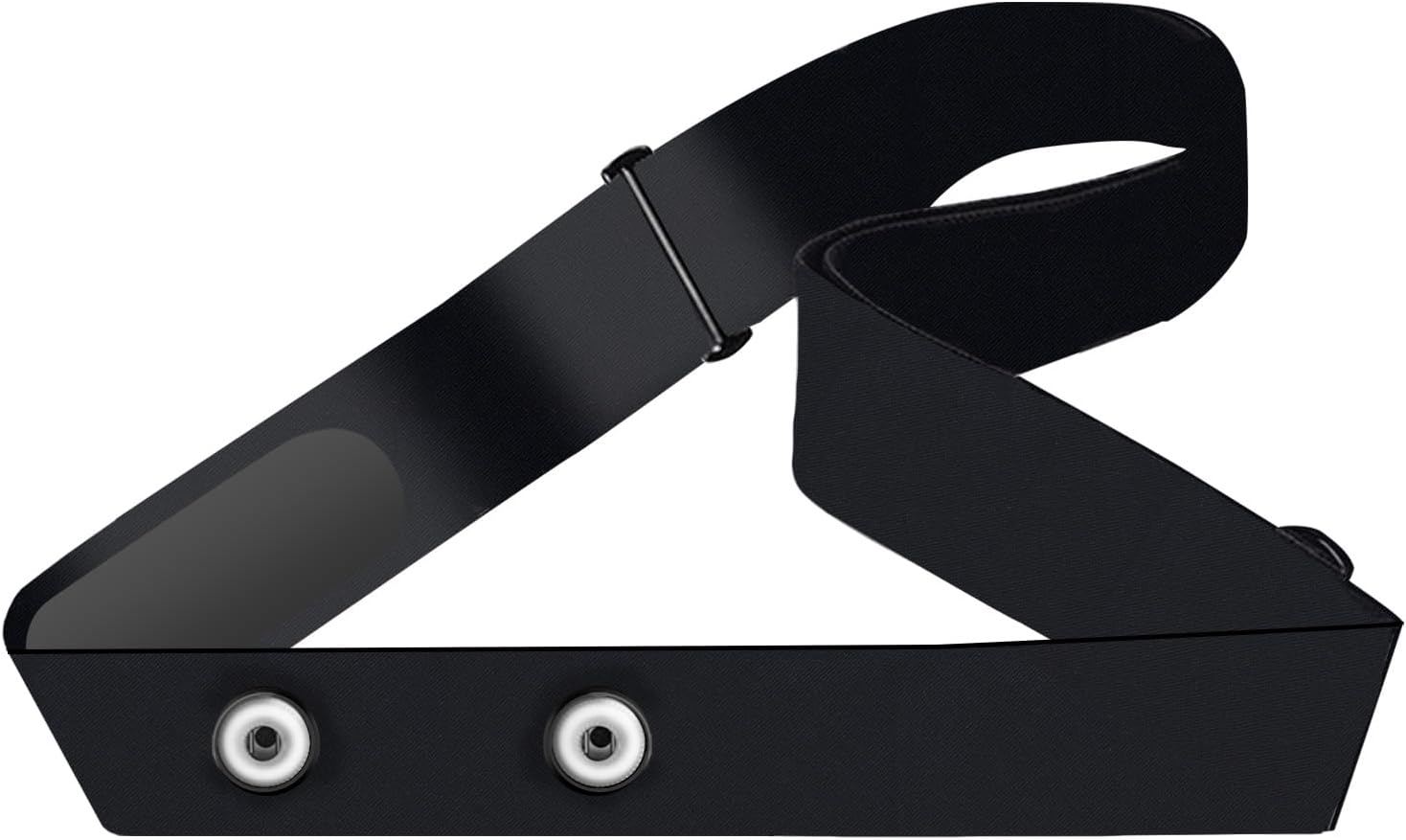
The ~$13 snap strap — what most people should buy
Purpose-built for the Polar snap layout (H10, H9, H7), adjustable, machine-washable, and it solves the actual problem: fresh electrodes with real skin contact. Honest caveat — at this price the electrode fabric is not Polar's, and consistency between units is more of a lottery than with the official strap. If a unit reads badly out of the box, return it rather than talking yourself into it.
The multi-brand strap — if you also own a Garmin or Wahoo sensor
Same idea, but cut for the snap spacing shared by Polar, Garmin's HRM-Dual family and Wahoo TICKR modules — useful if there's more than one brand of sensor puck in your gear drawer. It's one of the longer-established listings in this category. Check the size chart before ordering; the sizes run specific.
And the official route: Polar sells the Pro Strap direct, in multiple colors and two lengths (XS-S and M-XXL). If your H10 is your training source of truth and you'd rather not gamble on electrode fabric, that's the boring, correct answer — it's just twice the money for the same snaps.
What Battery Does the Polar H10 Take? (It's Not a CR2032)
This is the single most-repeated mistake in Polar forums and, frustratingly, in a lot of blog guides: the H10 and H9 take a CR2025, and Polar's spec page states that a CR2032 "cannot be used as it may cause damage." A CR2032 is the same diameter but noticeably thicker — it'll seem to fit, then stress the cover and the sealing ring that keeps water out. Polar's manual asks for reputable-brand cells and names Panasonic and Maxell; Duracell and Energizer CR2025s are the identical spec and easier to grab on Amazon.
Rated life is up to 400 hours of training — Polar's own framing is "more than a year of daily one-hour sessions." A two-pack covers you into 2028.
How Do You Change the Polar H10 Battery?
No tools, about three minutes. One heads-up first: unlike older Polar sensors with a coin-twist door, the H10's cover pries off — and Polar's manual says to use the plastic clip on your strap as the pry tool. Don't attack it with a screwdriver; that's how sealing rings get gouged.
- Unsnap the sensor from the strap. You want just the puck in your hand.
- Pry the battery cover open with the strap's clip. Work the clip into the seam and lever gently — it pops, it doesn't twist.
- Drop in the new CR2025, positive (+) side facing down into the cover. Down, not up — it's the opposite of what most people assume, and a reversed cell just reads as a dead sensor.
- Inspect the red sealing ring. This is the step that matters. The H10 is rated WR30 — water-resistant to 30 m — and that entire rating lives in this one red O-ring. It has to be seated, clean, and undamaged. If it's nicked or stretched, stop and get a replacement ring (Polar service centers stock them; third-party battery kits for the H10 usually bundle one).
- Close it: align the ledge on the cover with the slot on the connector, hold that edge down with a finger, and press the opposite side until it snaps flush.
- Reconnect. On current firmware the H10 just shows back up. If your sensor's firmware is older than 3.3.1, Polar notes you may need to re-pair it with your watch or app once.
Toss the old cell at a battery recycling point, and keep loose coin cells away from kids — swallowed lithium cells are an emergency, which is why the current Duracell packs come in child-resistant packaging with a bitter coating.
How Do You Fix H10 Dropouts Without Spending Anything?
If the strap is under a year old, run through this list before buying a replacement — it clears up a good share of "my H10 died" complaints:
- Wet the electrodes properly. Not a polite dab — get both electrode strips genuinely wet under a tap before you put the strap on. A dry electrode on dry winter skin is the classic cause of a 190 bpm phantom spike in the first ten minutes, before sweat takes over the job.
- Wear it snug, and consider a centimeter lower or higher. The strap should not migrate when you jump or row. If it slides, no electrode fabric on earth will hold contact.
- Wash the strap — actually wash it. Polar's care instructions: rinse under running water after every session, and machine-wash at 40°C / 104°F (in a wash pouch, no fabric softener, no bleach, air dry) at least weekly if you train five-plus times a week. Sweat salt buildup insulates the electrodes; a machine wash often revives a strap that seemed done.
- Unsnap the sensor after every session. Polar's reasoning is battery, not just hygiene: left snapped onto a damp strap, the connector stays active and drains the cell. Store the puck and strap separately, dry.
- Mind dry-air static. Synthetic shirts in low humidity can inject noise into any chest strap. If dropouts only happen in winter with a particular top, the strap may be innocent.
When Is It Time to Replace the Sensor Itself?
Fresh battery, fresh strap, electrodes wet, worn snug — and the data is still garbage? Then, and only then, is it the module. It happens: connectors corrode after years of sweat, and snaps can lose spring tension. At that point you're buying a new H10 (around $105, October 2026) — still our accuracy benchmark and, per our chest strap vs armband vs wrist comparison, still the position that beats every optical wearable during intervals.
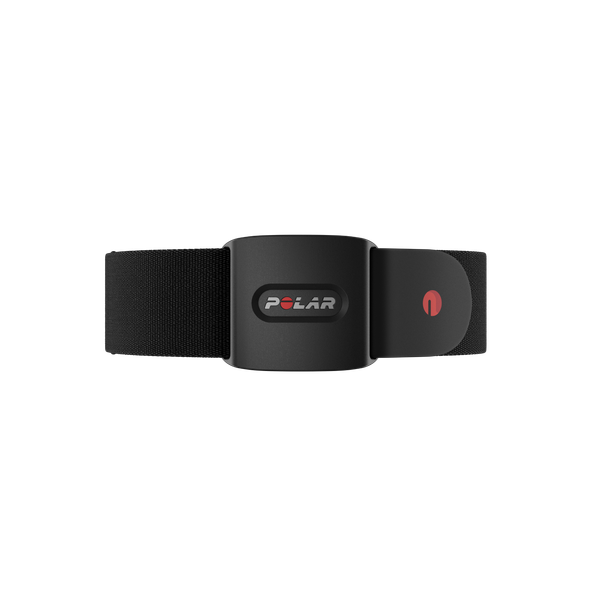
The other honest option: if what actually wore you down is the strap ritual itself — the wetting, the washing, the chest squeeze — an optical armband like Polar's own Verity Sense gets you most of the way to chest-strap accuracy with no electrodes to maintain and no strap to replace on a schedule. That's a real trade, not a downgrade, and we've laid out where each position wins in the comparison above. For the wider field of screen-free trackers beyond chest straps, see our complete lineup of screen-free bands and rings.
Polar H10 Strap & Battery FAQ
What battery does the Polar H10 use?
A CR2025 3V lithium coin cell. Not a CR2032 — Polar's spec page explicitly warns a CR2032 may cause damage. Polar recommends reputable brands (it names Panasonic and Maxell); Duracell and Energizer CR2025s are the same spec.
Do third-party straps work with the H10?
Yes. The H10 uses two standard snaps, so any snap-style strap fits. Third-party straps run about $13; Polar's official Pro Strap costs roughly twice that but uses Polar's own electrode fabric, which is the more consistent performer.
Why does my H10 spike to 180–190 at the start of a run?
Dry electrodes, nine times out of ten. Wet both electrode strips thoroughly before putting the strap on. If spikes continue after the strap is sweat-soaked, the electrode fabric is likely worn out — that's a strap replacement, not a sensor problem.
How long does the H10 battery last?
Up to 400 hours of training per Polar — over a year at an hour a day. Unsnapping the sensor from the strap after each session stops the connector from draining the cell in storage.
Is the H10 still waterproof after I change the battery?
Yes, if the red sealing ring goes back seated, clean and undamaged — the WR30 (30 m) rating depends on it. Damaged ring: replace it before you swim with the sensor again.
Do I need to re-pair the H10 after a battery change?
Only on firmware older than 3.3.1, per Polar. On current firmware the sensor reconnects to your watch or app on its own.
How often should I wash the strap?
Polar says rinse it under running water after every use, and machine-wash at 40°C / 104°F at least weekly if you train five or more times a week — no fabric softener, no bleach, no dryer. Wash the strap only; the connector puck gets rinsed and towel-dried, never machine-washed.
Sources
- Polar H10 User Manual — Batteries: CR2025 type, positive side down, strap-clip opening, red sealing ring, re-pairing on firmware before 3.3.1.
- Polar Support — How do I change the battery to my heart rate sensor?: "use only CR2025 battery," step-by-step cover procedure.
- Polar — H10 Heart Rate Sensor: up to 400 h battery life, WR30 water resistance, CR2032 damage warning.
- Polar Support — Care instructions for a heart rate sensor with textile strap: rinse after every use, 40°C machine wash, detach and store the connector separately, strap wear-out guidance.